

iPhone · iPad · Apple TV
Your playlist.
Finally beautiful.
WebIPTV is the player for your own IPTV subscription. You connect your playlist — the app turns it into a library with a TV guide, a sports hub and a watchlist, in sync across your devices.
WebIPTV is a player. The app delivers, hosts and sells no content. You bring your own access — via an M3U link or Xtream login.
Set up in three steps
Connect your playlist
Paste an M3U link or your Xtream credentials — one tap fills every field. They stay in your device’s keychain.
Pick your library
Choose what interests you from your provider’s catalogue. Whole categories or single channels — changeable any time.
Watch anywhere
iPhone, iPad and Apple TV share favourites, progress and lists through your private iCloud.
What the app makes of it
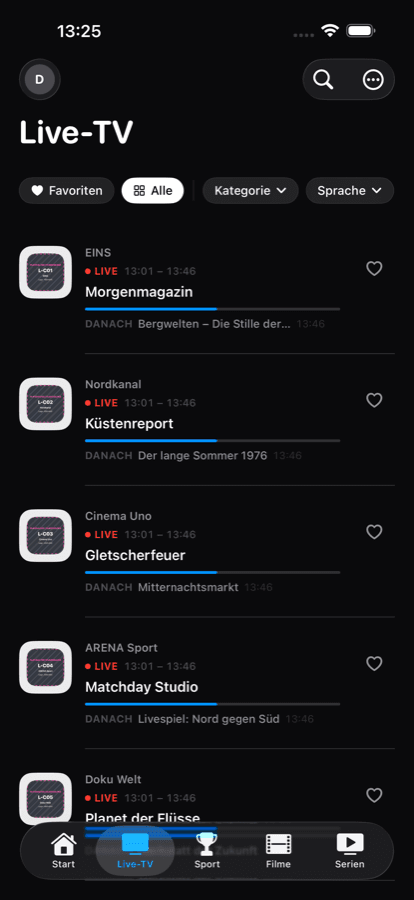
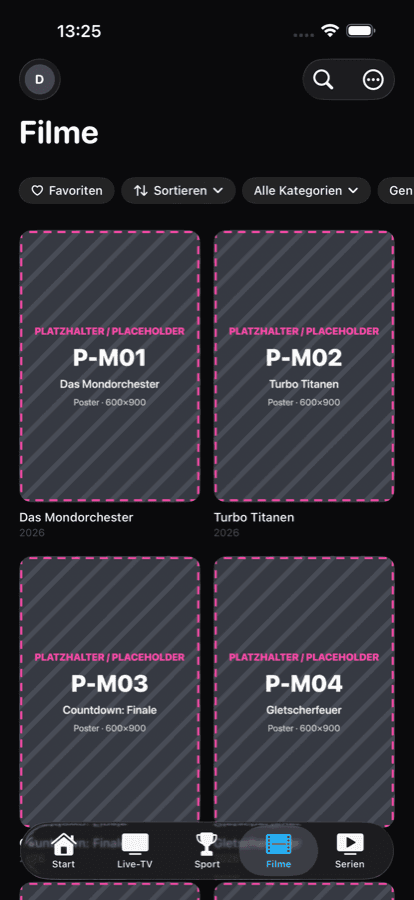
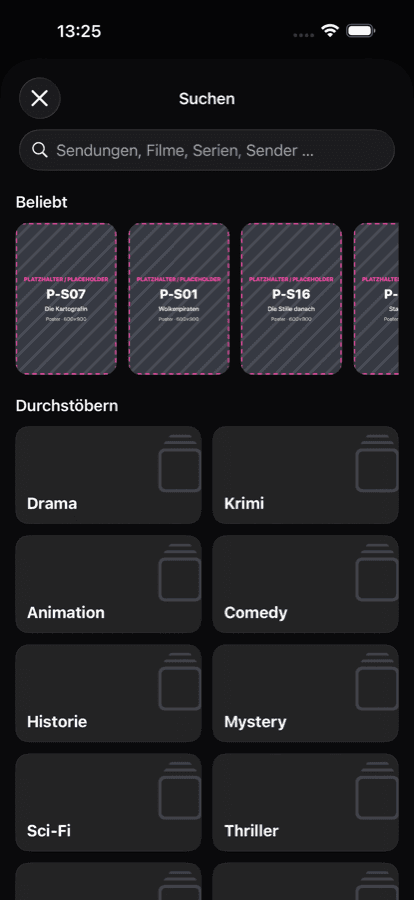
A playlist file becomes a library that feels like a streaming service.
A TV guide that holds up
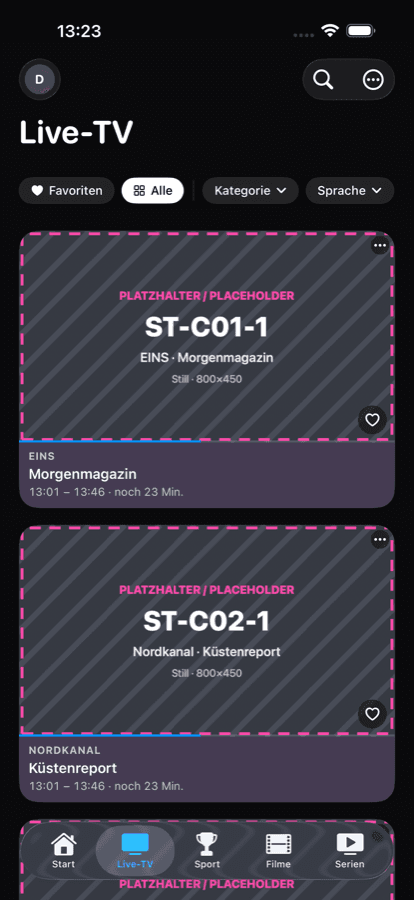
Programming for all your channels — from your provider’s EPG or an XMLTV source. With a now view, a grid and reminders before a show starts.
Sports hub
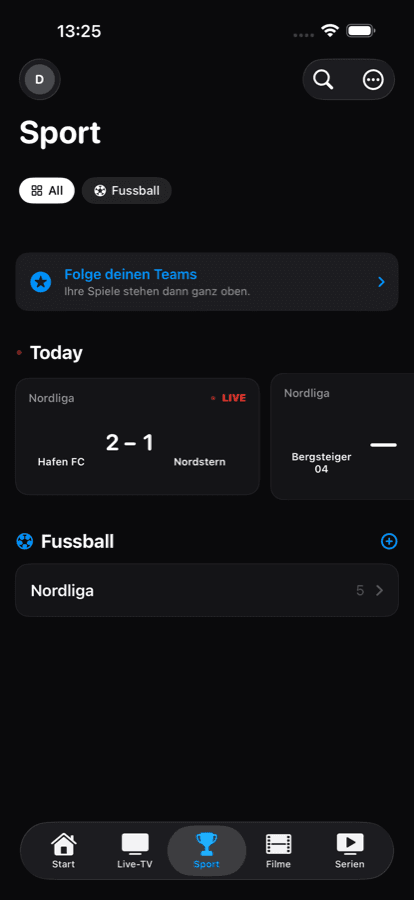
Fixtures, tables and results for football, motorsport, ice hockey, basketball and more. When a match runs on one of your channels, the app tells you.
Movies and shows
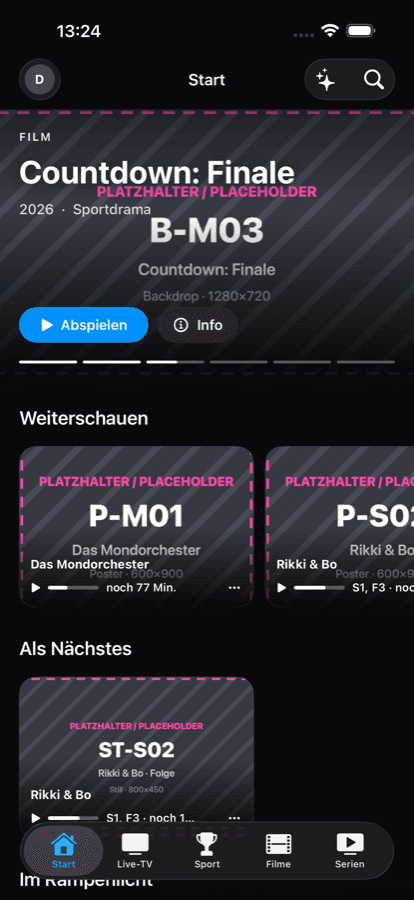
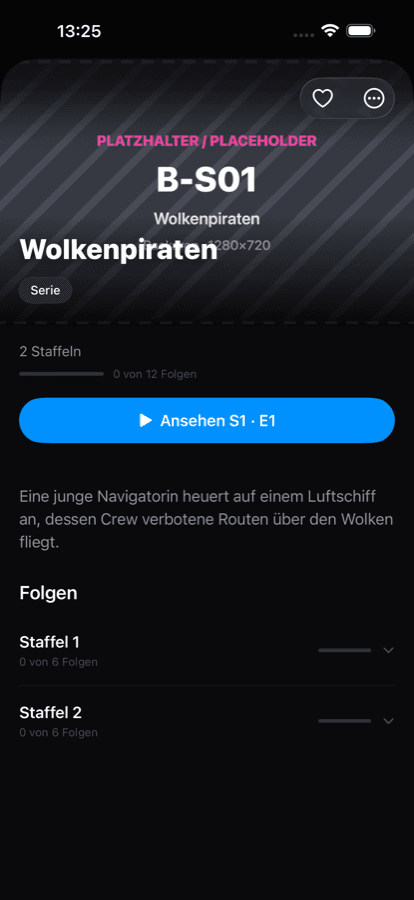
Posters, descriptions and episode stills from open databases. Continue watching remembers where you were — on every device.
Family profiles
Separate profiles for the household, with a protected space for children. Adult content is excluded outright and cannot be switched on.
Picture in picture
Keep watching while you search, chat or leave the app. On iPhone, iPad and across the app.
Everything on device
No account with us, no analytics, no server in between. Catalogue, history and settings live on your device; syncing runs through your private iCloud.
One subscription, three screens
One purchase covers every device on your Apple Account.

Apple TV
Built for the living room: focus navigation, large grids, fast zapping.
iPhone
The full app in your hand — with picture in picture and a watchlist.
iPad
Sidebar and split view: guide on the left, playback on the right.
Pricing
Try it free for 7 days. Then it’s your call.
An IPTV subscription from your provider is required and not part of this price.
Subscriptions renew automatically at the shown price until cancelled in your App Store settings. The free trial ends when the subscription starts or is cancelled. Prices in US dollars; the App Store shows your local currency.
Join the beta
The app is available as a public TestFlight beta. Accept the invitation on an iPhone — the Apple TV app then installs from the TestFlight app on the same Apple Account.
Common questions
Do I need an IPTV provider?
Yes. WebIPTV is a player and carries no content of its own. You need an existing subscription — either an M3U playlist link or Xtream credentials.
The app is empty after setup
After the first sync you pick what belongs in your library under “Manage content”. A provider catalogue can hold tens of thousands of entries — the selection is yours and changeable any time.
A channel stutters or drops out
Most provider lines allow a limited number of simultaneous connections — often exactly one. A second stream on another device makes the server drop one of the two. The app shows how many connections your line allows under Settings → IPTV provider.
The TV guide is empty
Programme data comes from your provider’s EPG or an XMLTV source you add. It arrives after the first sync and refreshes on its own; on a fresh install the guide fills up over the first minutes.
Can I use several providers?
Yes. Multiple Xtream and M3U sources run at once and merge into one library. In the library editor you can filter by provider.
What happens to my data?
Nothing leaves your device in our direction — we run no server and hold no account for you. Credentials live in the keychain, syncing runs through your private iCloud, which we cannot read.